
PCIe Hotplug on an ASRock TRX50 (Sort Of)
I was having compatibility issues with some NICs on my desktop and wanted to be able to quickly test them without rebooting. PCIe hotplug can be a pain to get working on hardware that doesn’t natively support it – there are a couple of good blog posts from a different Matt that you should read (part 1, part 2). Those blog posts focus on getting Thunderbolt working on a machine that doesn’t natively support it, but a lot of it is still relevant here, and Thunderbolt will actually come into the picture here in a roundabout way. I will warn you that there are caveats here, but read on if you want to see how to do this.
Starting Point
The ASRock TRX50, even on a more recent BIOS (11.02 in my case), does not support hotplug on any PCIe slots or ports by default. No surprise hotplug, no coordinated hotplug, nothing. You can get coordinated hotplug working by using a PCIe switch add-in card that supports hotplug, but what if you want it working natively?
The Solution
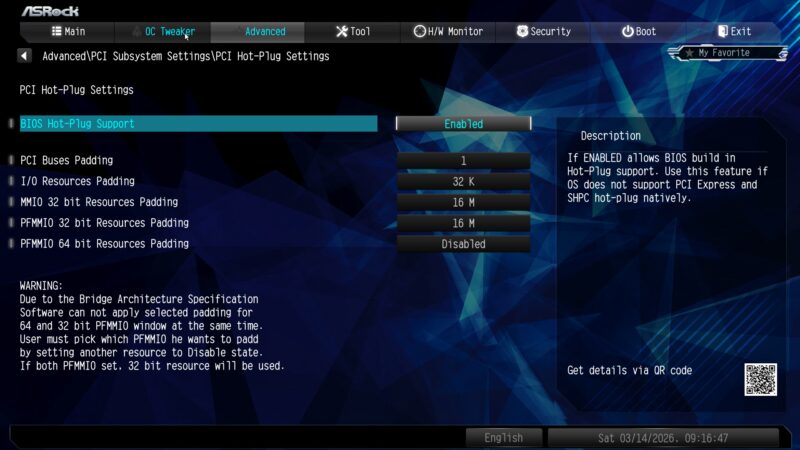
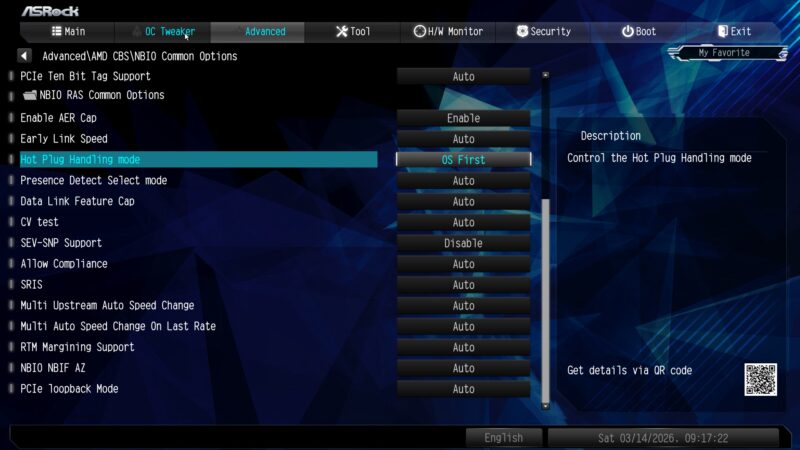
There are some options in the BIOS that seem like they would get hotplug working. You’ll want to set these, but they aren’t enough:
The secret sauce is that you have to tell the BIOS that you installed the Thunderbolt card:
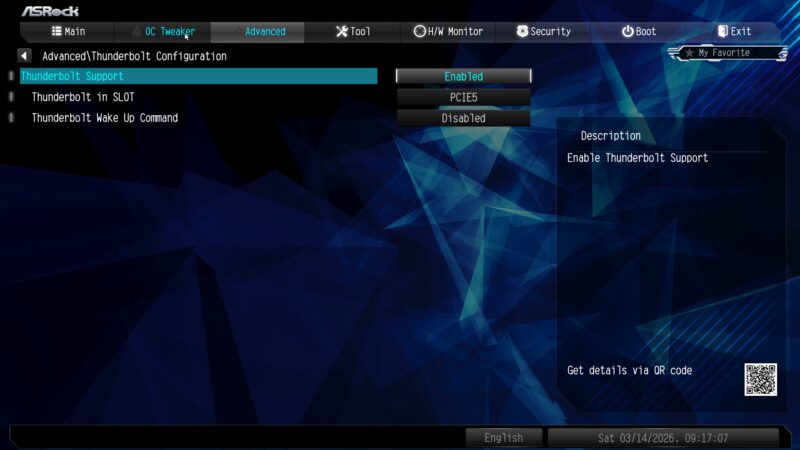
Here we see the aforementioned caveats:
- It only works on a single slot at a time.
- You can only choose the gen4 slots – slot 2 (gen4x4) or slot 5 (gen4x8).
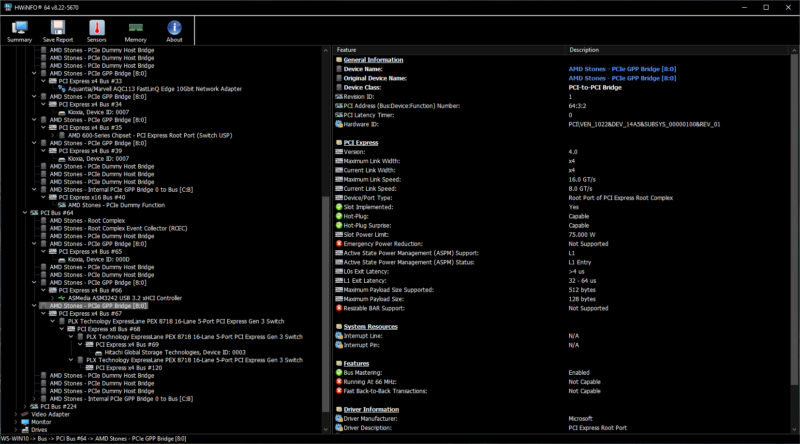
What’s odd is that I don’t think you would need the slot itself to implement hotplug to get TB working – you only need to deal with hotplug events from downstream ports. But it works here – note the “Hot-Plug” and “Hot-Plug Surprise” values:
I recall there being a BIOS option regarding whether to keep unpopulated links powered up or not, but I can’t seem to find it anymore. It might have been removed in a BIOS update.
Unfortunately, HWInfo64 does not have a “refresh” function, so you have to restart it to refresh your topology.
Here’s hotplug on the x8 slot instead:
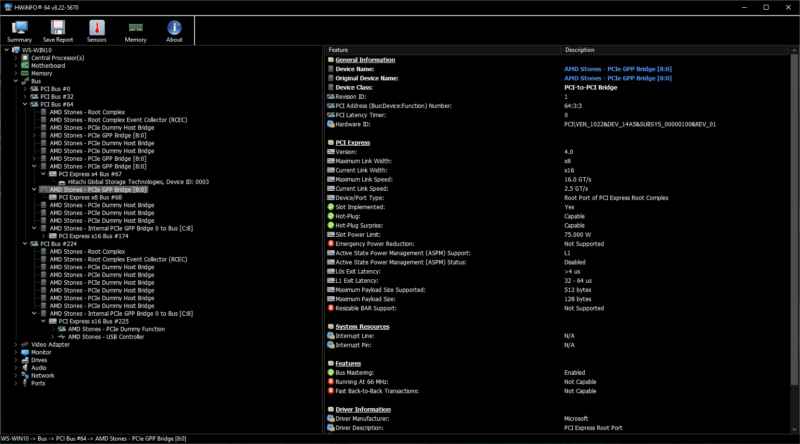
Notice I don’t have a device plugged in to the port in the above screenshot – it doesn’t require a device to be present at boot time.
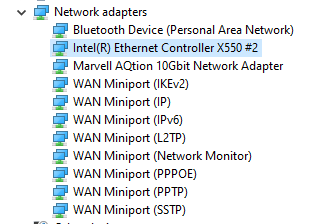
I threw an X550 onto my Minisforum DEG-1 dock. The slot in question has an external OCuLink riser (completely passive).
The device shows up and is usable:
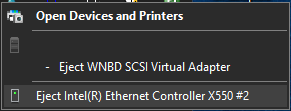
Depending on the device, it may show up in the “safely remove hardware” menu:
Unfortunately, I’m not aware of any way to get hotplug working on multiple slots, or on any of the gen5 slots. Trying to insert a device after boot does nothing, while removing one hard crashes the system. I wish you could use slot 4 for this, as it appears to have a built-in redriver chip which would allow for a longer external cable run.
I’ll be making use of this in the near future, since I’m trying to upgrade off of my aging ConnectX-3, where either the hardware or the Windows driver is giving me stability issues. Sometimes it BSODs, other times the card becomes completely unresponsive and I have to hard reset (a shutdown/reboot hangs). I bought a CX4, and it seems to only work about 20% of the time, an issue for which I have found other users reporting the same thing. Being able to quickly swap network cards should help a lot with testing and debugging.
Minor addition: As you can see in the first screenshot, this board gives you a good amount of control over the extra resources and bus numbers reserved for hotpluggable slots. You can tweak these to avoid a lot of the common issues, like the problems normally associated with hotplugging a PCIe switch.
Addition #2: I tried giving myself two hotplug ports by bifurcating the x8 slot down to x4x4, but it didn’t seem to work correctly.